For couples buying together
Find your perfect property
The smart platform for couples to search, evaluate, and make confident decisions about real estate properties together.
See it in action
A short tour of the bits we use most ourselves.
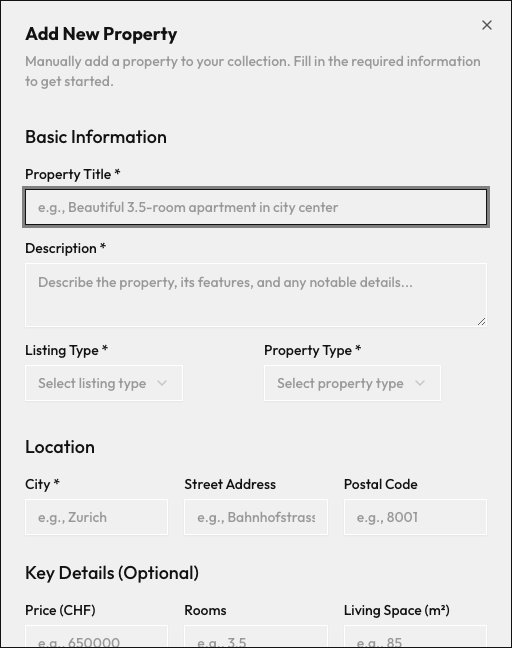
Paste a URL, get a property
Drop a Homegate, ImmoScout24, or Newhome link in the import dialog and a single Firecrawl call pulls in the title, price, rooms, location, description, and the gallery. Logos and icons are filtered automatically — only the actual photos make it in.
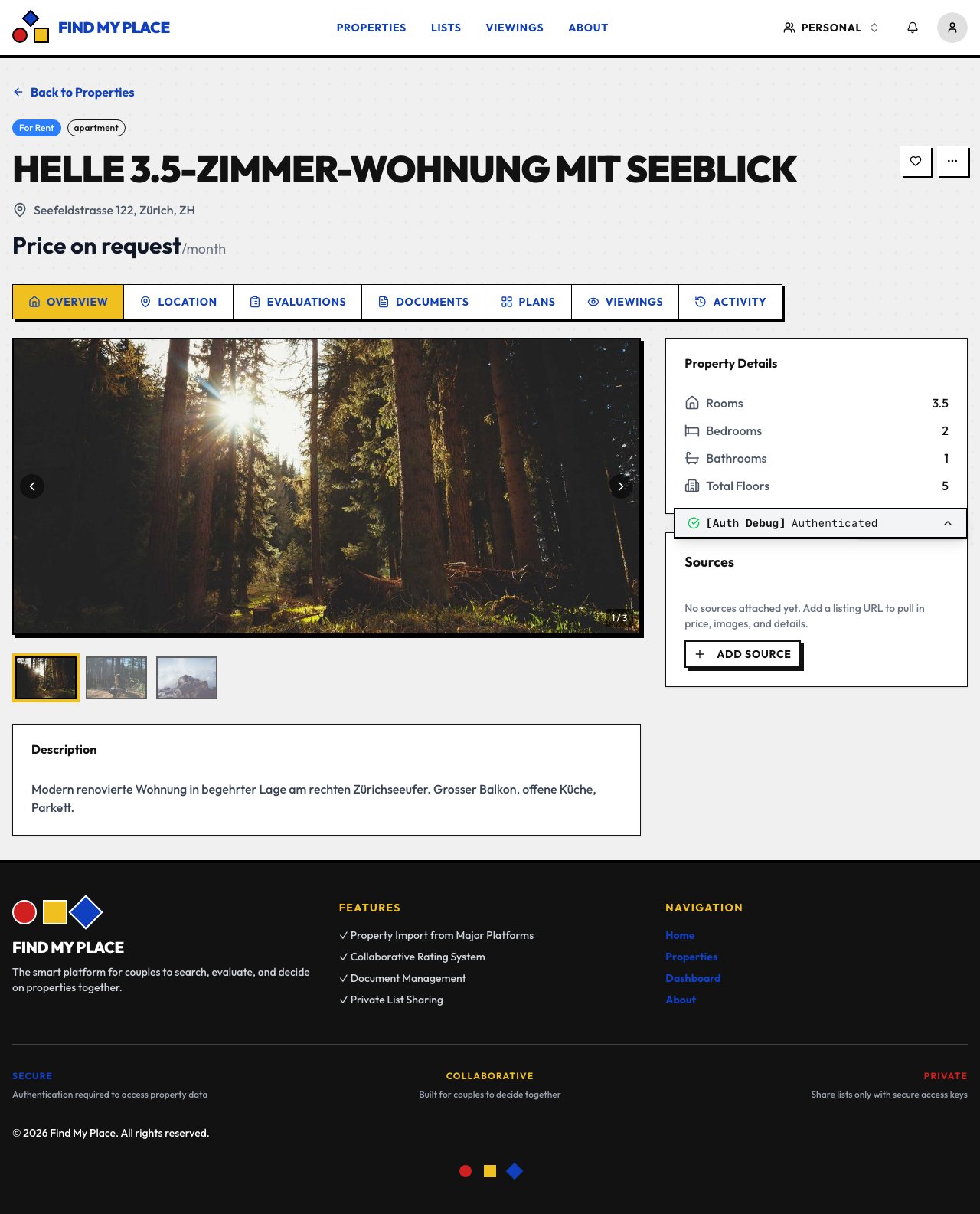
One page per property
Specs, pricing, photos, location, documents, viewings, and notes all on one page. The price-per-square-metre is derived in the database, so it stays correct when you tweak the price.
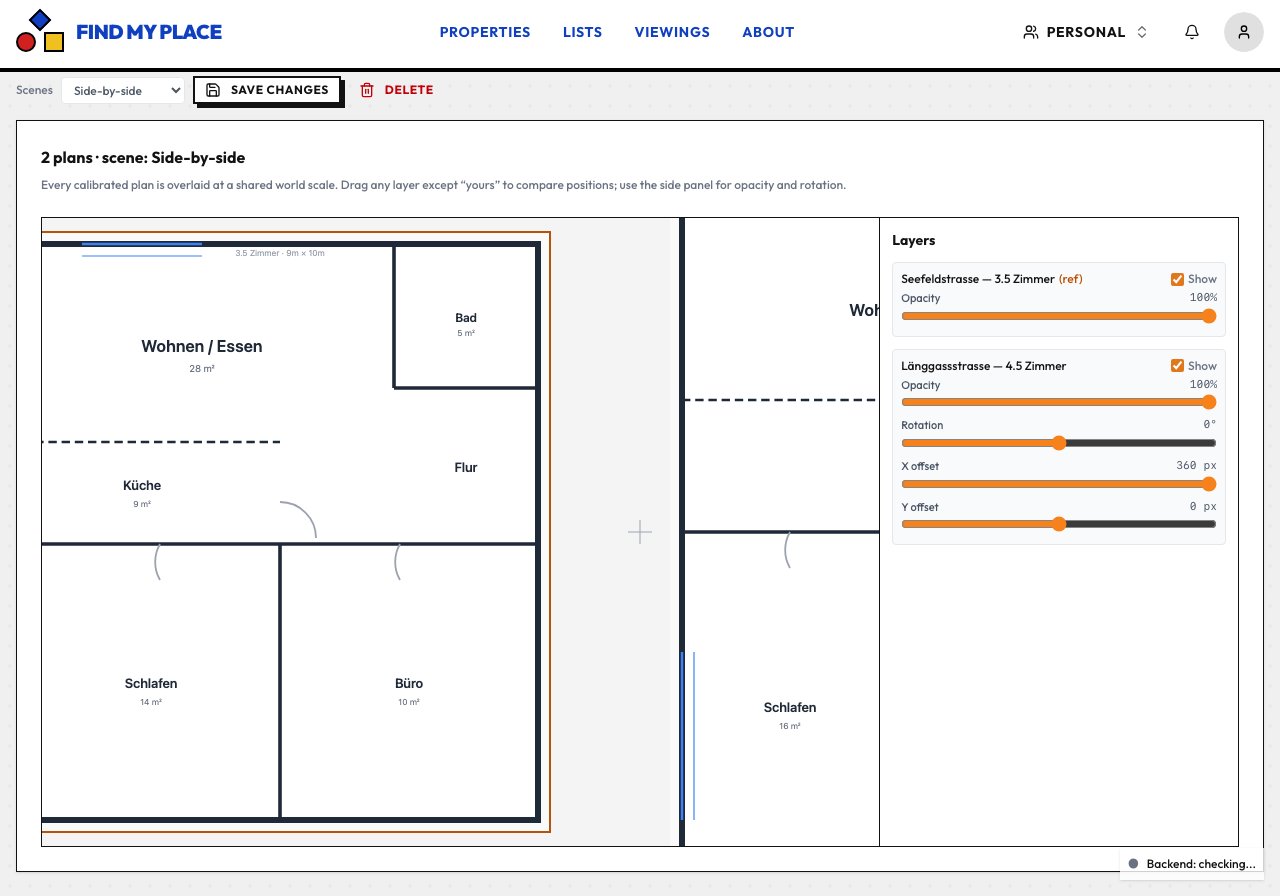
Overlay floorplans on the desk
Drop two or three plans on the same desk and they line up at a shared world scale, so you can finally see whether the bigger flat actually has a bigger living room — or just a fatter hallway.
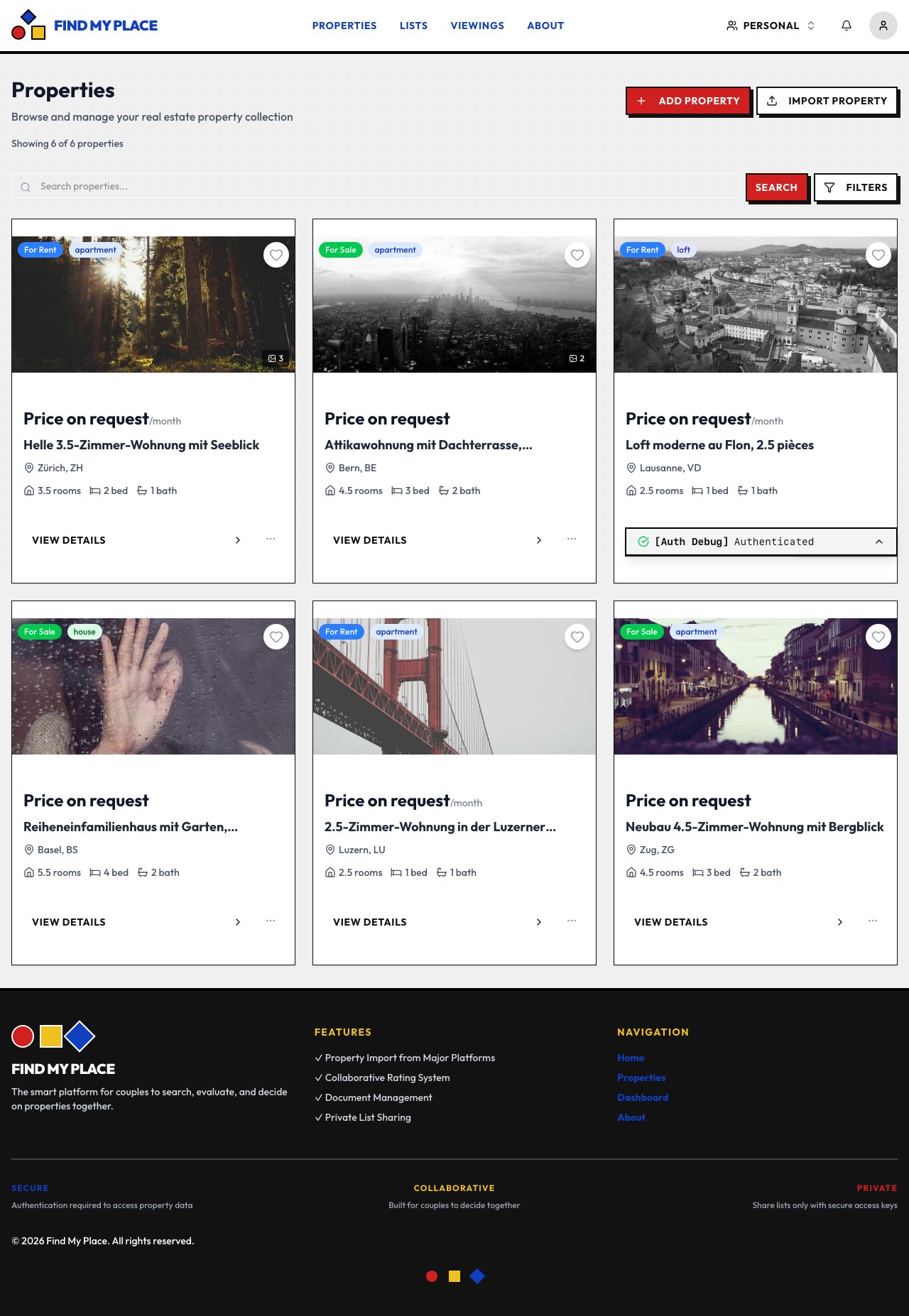
Browse your shortlist
Cards lay out cleanly across the screen — price, rooms, location, primary photo at a glance. Filter by city, listing type, or property type when the list gets long.
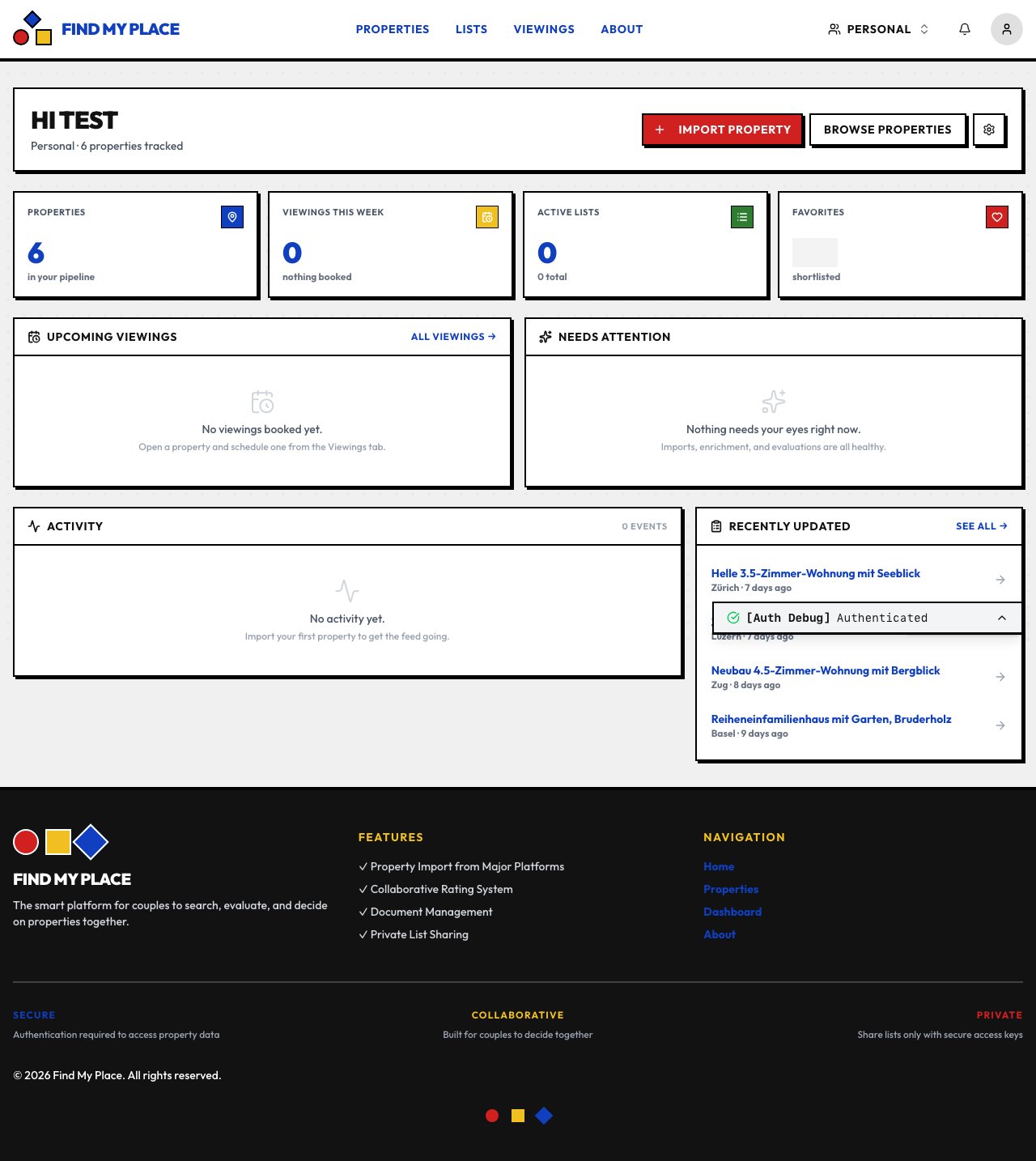
Dashboard at a glance
Recent imports, the next viewings, and the properties you flagged as favourites. The fastest path back to whatever you were looking at last.
Why Choose Our Platform?
Property import
Automatically import from Homegate, ImmoScout24, and other platforms
Collaborative rating
Rate properties together and build consensus as a couple
Expert advisors
Connect with professional real estate advisors for guidance
Document storage
Organize property documents, photos, and viewing notes
Market analysis
Get insights on pricing, trends, and investment potential
Smart evaluation
Compare properties with our comprehensive scoring system
How it works
- 01
Import
Import properties from major platforms
- 02
Evaluate
Rate and compare properties together
- 03
Organize
Manage documents and viewing schedules
- 04
Decide
Make informed property decisions
Member benefits
- Unlimited property imports
- Collaborative evaluation tools
- Advanced property analytics
- Priority advisor matching
- Document management system
- Couple collaboration features
- Market trend analysis
- Professional advisor access